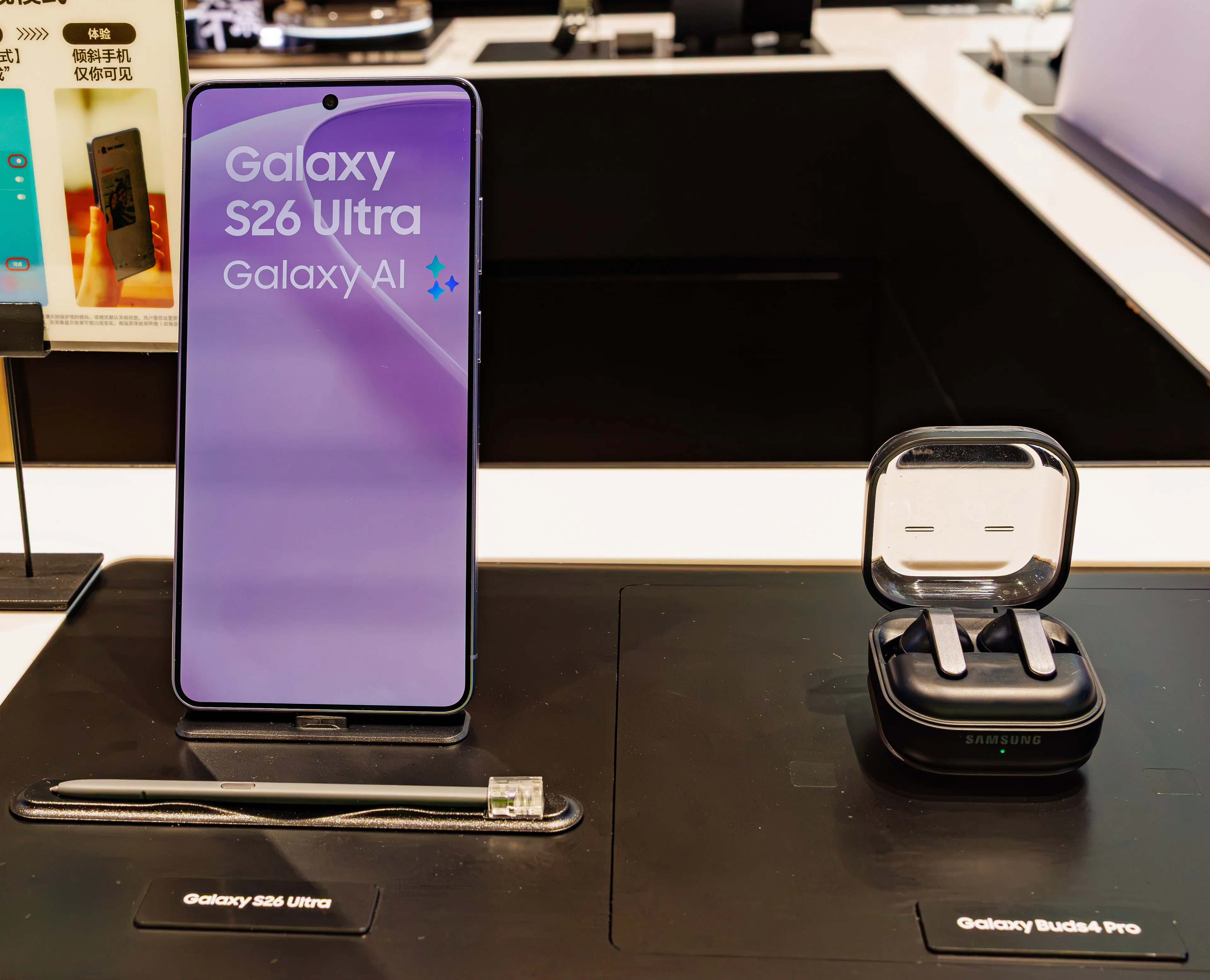
The reset is the risk. Some Galaxy S26 Ultra phones on One UI 9 freeze during setup right after a factory reset, stuck on a Samsung Account page that will not load, according to Samsung reporting by Gadget Hacks. Samsung has acknowledged the problem and has not confirmed a permanent fix. If your plan is sell my Galaxy Toronto this week, do the reset in the safe order below. A working Galaxy S26 Ultra 512GB in Like New condition still pays $1,010 at JustSell today, and the model tops out at $1,110. Reset in the wrong order, and the phone you were about to sell can end up stuck before its home screen.
Picture the normal selling routine. You back up your photos on Sunday night. You factory reset the Ultra so your data is gone. Then you run setup once, just to check the phone is clean. The Samsung Account page spins, fails, and stays failed. Your buyer expects a working phone tomorrow. This post exists so that routine does not happen to you.
What actually happens on the stuck screen
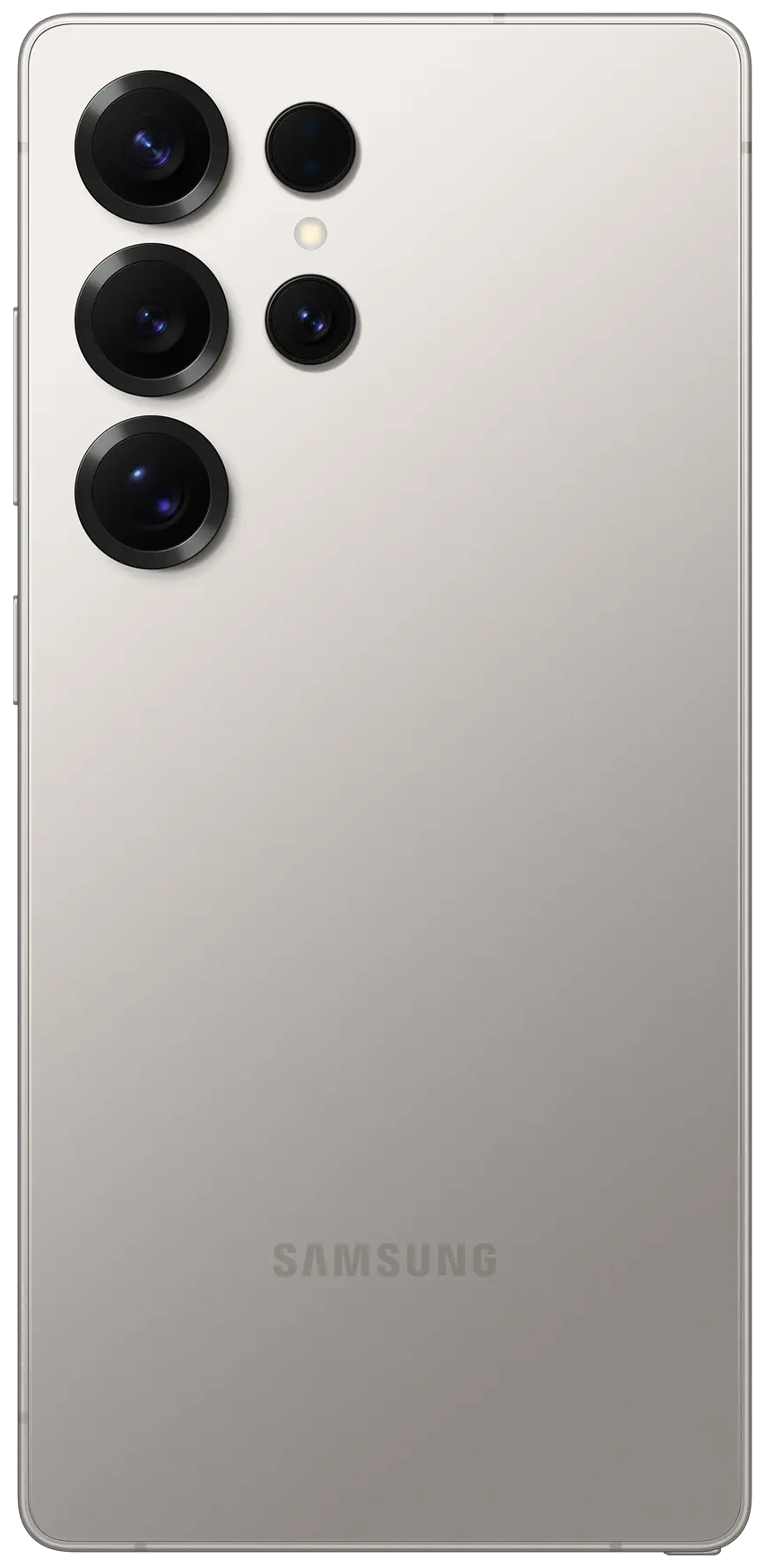
The failure has a specific look. The phone enters setup after a reset. Setup tries to load a Samsung Account policy page. The page fails.
Owners see a webpage is unavailable message first. Then they see "Cannot load webpage." Then they see a network error code, net::ERR_NAME_NOT_RESOLVED, according to Android Police reporting shared by The Tech Hacker. That code means the phone could not find the web address it was trying to load.
The address itself is ordinary. It is the Samsung Account policy page at policies.account.samsung.com. The page is not the problem on its own. The loading mechanism is.
THE MISSED DETAIL
Samsung linked the failure to Android System WebView. WebView is the built in component that shows web pages inside apps and system screens. When WebView misbehaves on a given network, the account page inside setup cannot load, and setup has nowhere else to go.
Samsung explained this through a community manager on its South Korean forums. The translated reply, reported by 9to5Google and TechRepublic, blames an unstable system WebView on certain networks after the One UI 9.0 update. One UI 9 is Samsung's Android 17 based update. It began rolling out to the Galaxy S26 series on September 16, reaching US models later that month, according to Gadget Hacks.
Most reports follow a reset. Not all of them do. Android Central reported at least one case with a black screen and no home screen after the update installed, with no owner reset involved. Samsung has not clarified whether both triggers share one root cause.
Two limits matter. There is no reliable public count of affected phones, and Samsung has not described this as a hardware problem.
Why resetting again is the trap
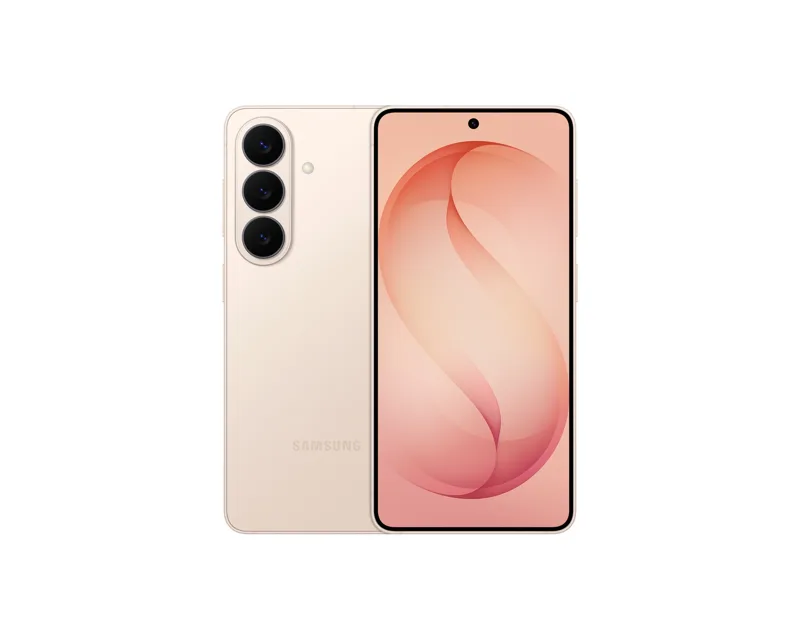
When a phone freezes, a factory reset feels like the fix. Here, the reset is the trigger. 9to5Google notes the bug seems to happen during setup, so most people meet it only after resetting.
That flips the usual advice. Resetting a stuck phone can put it straight back into the same broken setup. It also erases anything that was not backed up.
The reset is not the remedy for this bug. In most reports, the reset is how the bug arrives.
| Date | What happened |
|---|---|
| September 16, 2026 | One UI 9 starts rolling out to the Galaxy S26 series, according to Gadget Hacks. |
| October 13, 2026 | Samsung says a separate boot freeze issue on older Galaxy phones, with an XML Access Denied error, is resolved. That is a different bug. |
| October 22, 2026 | Samsung confirms the S26 Ultra setup bug on its Korean forums, according to How-To Geek. No fix timeline is given. |
| October 26, 2026 | A new S26 series update lands in South Korea with stability and security changes. No source confirms it fixes the setup failure. |
| Today | Samsung offers workarounds, not a confirmed permanent fix. The setup risk is still live. |
One warning from Gadget Hacks is worth repeating. Do not read the October 26 update as a quiet fix. Until Samsung names this issue in release notes, assume it is still open.
The safe order if you are resetting to sell
You still need to reset before a sale. Your accounts and data have to come off the phone. The answer is order, not avoidance. This is the checklist version of how to sell Samsung in the GTA without bricking your own sale.
Run your quote first while the phone works normally. At JustSell the price shows before any contact details, and a locked quote holds for seven days. You then reset against a known number, not a guess.
Back up photos, messages and app data first. Then sign in at the Samsung Account website from a computer or another phone. Accept the latest terms there. Samsung's own guidance includes this step, and it removes one page setup may struggle to load later.
Open the Play Store before you reset. Update Android System WebView, Chrome and Samsung Internet. You cannot update anything from a blocked setup screen, so this step only works now, while the phone is healthy.
Samsung advises using Wi-Fi instead of mobile data for the account sign in during setup. Pick a stable home network. Avoid hotel or cafe Wi-Fi, and keep the phone plugged in.
Finish setup yourself, all the way to the home screen. Only then is the phone ready to hand over, ship, or meet with. If you are within the service area, JustSell can also collect the phone from your doorstep for free: check whether your city is covered before you plan a trip.
THE RULE
Never hand over, ship, or list a phone you have not personally walked back to its home screen after a reset. Five minutes of setup today beats a stuck phone on sale day.
Already stuck? Work through this order
Start with the network. The reports are genuinely mixed, so test both directions.
- Switch networks. Samsung recommends Wi-Fi over mobile data. Some owners told 9to5Google the opposite worked, and mobile data got them through. Try Wi-Fi first, then mobile data.
- Accept the terms elsewhere. Sign in to your Samsung Account on the web from another device. Accept the latest terms and conditions there, then retry setup.
- Skip the account step if your phone offers it. Some owners report reaching the home screen by skipping Samsung Account sign in. Add the account later in Settings, after updating WebView, Chrome and Samsung Internet.
- Do not reset again. A second reset returns the phone to the same setup screen. It does not clear a WebView problem.
- Ignore tricks for the other bug. SIM removal and Safe Mode tips circulate for the separate XML Access Denied boot freeze. Gadget Hacks notes that issue is different, and Samsung said it was resolved on October 13.
- Call Samsung support if setup stays blocked. No source confirms a reliable rescue once the error screen is frozen. A service centre is the honest next step at that point.
Sell my Galaxy Toronto: what a working Ultra pays
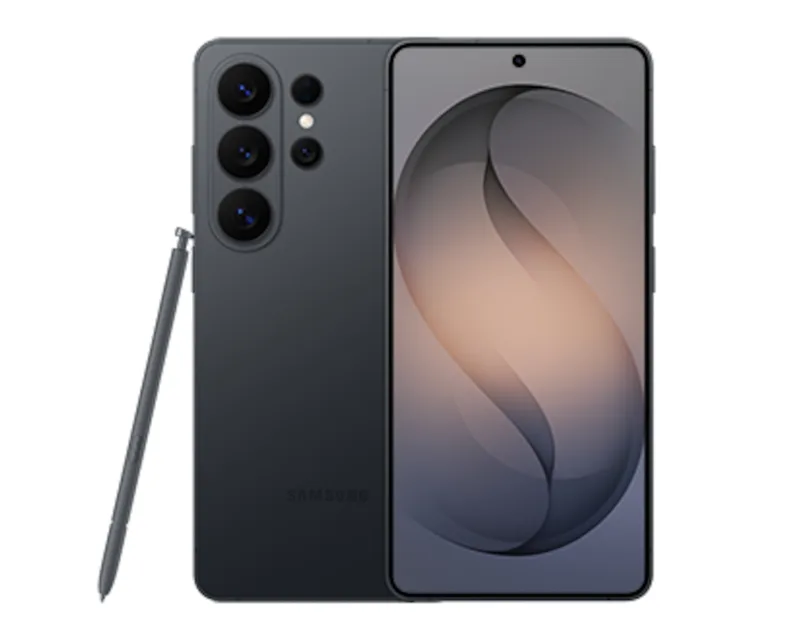
A working phone is a testable phone. It can show its screen, storage and condition honestly. That is the phone these prices describe.
The table uses the 512GB Galaxy S26 Ultra as the anchor. It is the middle storage tier, and its quotes set the low end here. The model's genuine book maximum is $1,110.
| Galaxy S26 Ultra 512GB | JustSell pays |
|---|---|
| Sealed | $1,060 |
| Like New | $1,010 |
| Good | $910 |
| Fair | $810 |
So the number that matters is the top one. JustSell pays up to $1,110 for a Galaxy S26 Ultra. The smaller S26 models pay less at the top end. A Galaxy S26 Plus tops out at $760, and a Galaxy S26 tops out at $710.
MONEY TIP
Lock your quote before you reset, while the phone still works and the seven day clock is yours. If setup then sticks, you have time to work the steps above instead of rushing a sale with a phone stuck on an error screen.
Context helps too. Samsung raised S26 list prices in October, covered in our Galaxy S26 price breakdown. One UI 9 has also brought battery complaints on older models, covered in our One UI 9 battery drain guide. Your model's full price cells sit on the Galaxy S26 Ultra page. If you want cash for my Galaxy in Ontario without a marketplace meetup lottery, the quote tool is the direct route.
The bottom line
Samsung has confirmed a setup bug, blamed WebView on certain networks, and offered workarounds only. Reset in the safe order: quote first, backup, terms accepted on the web, apps updated, Wi-Fi ready, and a walk back to the home screen. A working Ultra 512GB pays $1,010 at JustSell today.
Frequently asked questions
Is the Galaxy S26 Ultra setup bug a hardware defect?
No, not by Samsung's own account. Samsung linked it to unstable system WebView behaviour on certain networks after the One UI 9 update, according to its Korean forum response reported by TechRepublic. Samsung has not described it as a hardware problem, and no recall has been announced.
Should I factory reset my S26 Ultra before I sell it?
Yes, but do it in the safe order. Get your quote first, back up, accept Samsung Account terms on the web, and update WebView and Chrome while the phone works. Then reset on stable Wi-Fi and finish setup yourself. If you want to sell my Galaxy Toronto style, with the price locked before the reset, start with the quote tool at JustSell.
My phone is already stuck on webpage is unavailable. What works?
Try switching networks in both directions, since reports conflict on whether Wi-Fi or mobile data succeeds. Accept the Samsung Account terms on the web from another device, then retry. If your phone offers a skip option for account sign in, use it and add the account later. Do not factory reset again, and contact Samsung support if setup stays blocked.
Has Samsung fixed the bug in the October 26 update?
No source confirms that. The October 26 S26 update in South Korea carried general stability and security changes, according to Gadget Hacks. Its release notes do not establish that the WebView setup failure is fixed.
How much is a Galaxy S26 Ultra worth in Canada right now?
At JustSell, the 512GB Ultra pays $1,060 sealed, $1,010 in Like New condition, $910 in Good condition and $810 in Fair condition. The model tops out at $1,110. Prices assume a working phone that completes setup, is unlocked, and matches its stated condition.
Can I sell a Galaxy near me without resetting it myself?
Your data still has to come off the phone before any sale, so a reset is part of selling safely. Follow the checklist in this post so the reset happens once, in the right order. A buyer then checks a clean phone that reaches its home screen.
Sources
What is confirmed, the workarounds, and the October 26 update: Gadget Hacks, November 8, 2026. Samsung's acknowledgement and the separate older phone reports: TechRepublic. Samsung's October 22 confirmation and network switching reports: How-To Geek, October 22, 2026. Error codes and the skip account route: The Tech Hacker, November 5, 2026. Photo: Wikimedia Commons, credited in the caption. Prices: the JustSell price book, checked today.
Price your Ultra while it still reaches its home screen
Your phone works today. Get its real number, lock it for seven days, and then reset in the safe order.