Your Galaxy did not imagine it. Some Galaxy S24 and S25 owners say battery life fell sharply after the One UI 9 update, and one S24 Ultra reportedly lost 95 percent of its charge in about five hours. Samsung has not confirmed a widespread defect, and it has not announced a dedicated fix. Before you sell my Samsung Toronto searches start, run three simple tests. They tell you whether you have a software problem, a signal problem, or a battery that is simply tired. A 512GB Galaxy S25 Ultra in Like New condition still pays $810 at JustSell today.
Picture the scene. You updated overnight last month. By the next evening, your phone needed a charger at dinner, then again before bed. Nothing about your day changed. Only the software did.
That pattern is showing up in owner reports right now. It deserves a calm answer, not panic.
What owners are actually reporting
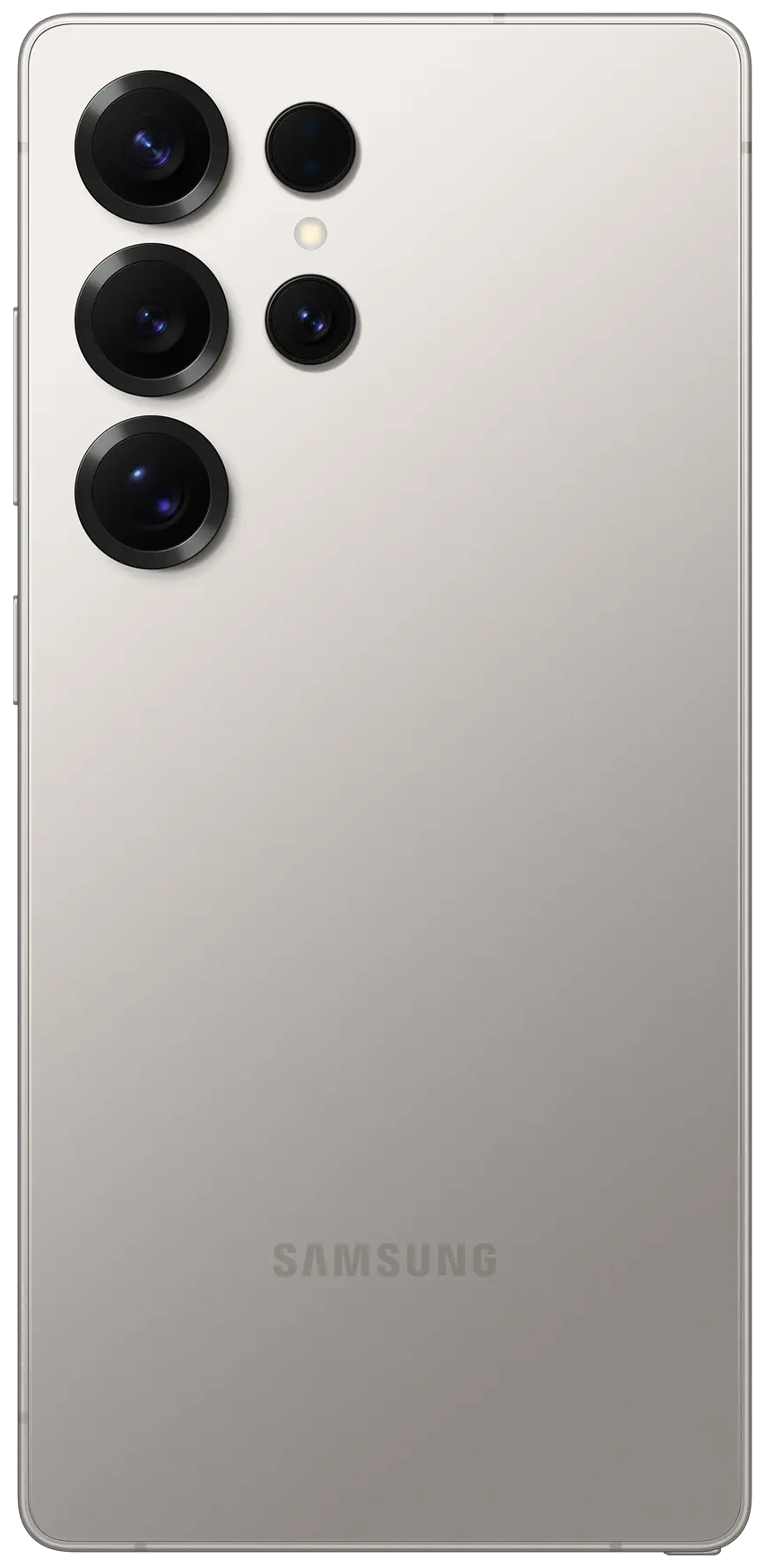
According to reporting summarized by Gadget Hacks, the complaints began as Samsung expanded its Android 17 based One UI 9 update to older Galaxy flagships in October 2026. Owners describe faster overnight drain. Some describe phones that need several charges in a single day.
9to5Google reported on October 22 that some Galaxy S24 and S25 users saw substantial battery losses after updating. One Galaxy S25 owner reportedly needed to charge three or four times a day. Others noticed higher consumption while the phone sat idle.
Android Authority highlighted the most severe case. A Galaxy S24 Ultra owner reported losing 95 percent of the battery in roughly five hours and 20 minutes. Screen on time was three hours and 15 minutes. Heavy social media use and a continuous mobile data connection were part of that day, so treat it as an extreme case, not an average.
Samsung reportedly contacted that owner to arrange a service appointment. Help for one device is not proof of a wider defect. It does show the reports are reaching the company.
THE DELAYED CASE
One Galaxy S24 Ultra owner in a Samsung Community thread said battery life looked normal right after updating on October 14. It worsened about a week later. That timing matters. Simple post update settling usually fades. A drain that starts late needs a different explanation.
Balance matters here. Other owners report no real change at all. The reports are individual experiences, not controlled tests. Nobody credible has published a reliable count of affected phones.
Myth versus measurement: three tests that settle it
Most battery arguments online fail for one reason. People change five settings at once, then guess which one helped. Run these tests one at a time instead.
Charge the phone, note the percentage before bed, and leave it unplugged overnight. Note the percentage again in the morning. Repeat for three nights with the same settings. A small single digit loss is ordinary standby behaviour. A repeated double digit loss, with no app showing unusual activity, points to persistent standby drain.
Open Settings, then Battery, and read the usage breakdown. Look for one app taking a share that makes no sense for how little you used it. Update that app first. Then watch it for one full day before you restrict anything. Restricting a messaging or navigation app can delay the notifications you actually need.
Open Samsung Members, then Support, then Phone diagnostics, then Battery status. Samsung's own guidance lists results such as Normal, Weak and Bad. A Weak or Bad result points toward battery condition. A Normal result does not rule out software drain. It does tell you the battery itself passed Samsung's check.
Samsung's official troubleshooting guidance confirms one useful fact. App and service optimization after a major update can temporarily raise power use. Samsung has not published a set recovery period for these One UI 9 reports. So a drain that is still bad weeks later should not be waved away as settling.
A battery percentage is a symptom. Three nights of notes turn it into evidence.
What will not fix it, based on what we know
The November security patch is not the answer, at least not on paper. Samsung published its November 2026 security bulletin on November 3. Reports on the bulletin describe 155 Android fixes from Google plus 24 Galaxy specific fixes. No source confirms that the patch addresses One UI 9 battery drain. Install it for security. Do not expect it to restore your battery life.
A factory reset is also not a first step. It erases local data and downloaded apps, and no established fix currently works across affected devices. Treat a reset as a last resort, after a full backup, not as a ritual.
Watch for the symptoms that skip troubleshooting entirely. A swollen or lifting back panel is one. Dangerous overheating is another. Unexpected shutdowns while the indicator still shows plenty of charge also deserve professional attention. In those cases, stop and contact Samsung support.
MONEY TIP
Document before you decide. Three nights of overnight readings, one screenshot of the battery usage screen, and your diagnostic result make any support case stronger. They also give you an honest picture of the phone you might sell.
Sell my Samsung Toronto math: what a healthy Galaxy still pays
A software complaint is not the same as a dead phone. If your diagnostic reads Normal and your drain traces back to one hungry app, your Galaxy is still a strong seller. These are real quotes from the JustSell price book today, anchored on the second storage tier for each model.
| Model (512GB) | Sealed | Like New | Good | Fair |
|---|---|---|---|---|
| Galaxy S25 Ultra | $890 | $810 | $750 | $690 |
| Galaxy S24 Ultra | $660 | $610 | $550 | $480 |
The full ranges run wider. The S25 Ultra pays $810 to $990 across its top configurations. The S24 Ultra pays $610 to $710. Smaller models pay less, but they still pay real cash. A 256GB Galaxy S25 pays $480 in Like New condition, and a 256GB Galaxy S24 pays $330.
You can check your exact model on the Galaxy S25 Ultra page or the Galaxy S24 Ultra page. The quote takes about 30 seconds, and you see the price before you share any contact details.
Sellers across the GTA ask the same timing question. If a fix lands, waiting costs you nothing but time. If the drain is really a tired battery, waiting only moves the phone toward a lower condition band. That is why the diagnostic result, not the rumour mill, should drive your decision.
Stay or sell? A simple way to decide
- Stay, for now: your diagnostic reads Normal, one app explains the drain, and overnight loss improves within a week.
- Talk to Samsung first: your diagnostic reads Weak or Bad, or the phone shuts down with charge left. Get the hardware answer in writing.
- Sell while it tests healthy: the phone works well, the battery passes, and you were already planning an upgrade. A working phone in Ontario is worth the most today, not after another update cycle.
If you do sell, the handoff is simple. JustSell meets at GO Transit stations across nine cities, pays the same day by cash or Interac e-Transfer, and locks your price for seven days. If you are within the service area, JustSell can also collect the phone free from your doorstep, and you can check whether your city is covered in under a minute. Free Canada wide shipping covers everyone else.
The bottom line
Samsung has not confirmed a One UI 9 battery defect, and no dedicated fix has been announced. Test your phone properly, trust the diagnostic over the rumours, and price a healthy Galaxy while its value is still high.
Frequently asked questions
Has Samsung confirmed a One UI 9 battery defect?
No. Samsung has not publicly confirmed a widespread One UI 9 battery defect, and it has not announced a dedicated fix. Owners are reporting faster drain on some Galaxy S24 and S25 phones, and other owners report no change. JustSell recommends running the Samsung Members battery diagnostic before drawing conclusions.
How much battery loss overnight is normal?
A small single digit loss overnight is ordinary for most phones. A repeated double digit loss over three nights, with the same settings and no single app showing unusual activity, suggests persistent standby drain worth investigating. Note whether the phone used Wi-Fi or mobile data each night, since weak signal raises power use.
Will the November 2026 security patch fix the drain?
No source confirms that it will. Samsung's November bulletin is a security release, described as 155 Android fixes from Google plus 24 Galaxy specific fixes. Install it for security, but do not count on it to restore battery life.
How much is my Galaxy S25 Ultra worth if I sell my Samsung in Toronto?
A 512GB Galaxy S25 Ultra pays $890 sealed, $810 in Like New condition, $750 in Good condition and $690 in Fair condition at JustSell. The model's book maximum is $990. Your final quote depends on storage and condition, and the price is locked for seven days.
Should I factory reset my Galaxy to fix the drain?
Not first. A reset erases local data and apps, and no confirmed fix currently works across affected phones. Restart, update your apps, check the battery usage screen, and run the diagnostic first. Keep a reset as a last resort after a full backup.
Can I sell a Galaxy with a Weak battery diagnostic?
Be upfront about it. A Weak or Bad result can affect condition and price, and serious symptoms such as swelling or overheating need Samsung support first. A phone that passes its diagnostic and works normally can be priced through the quote tool like any other Galaxy.
Sources
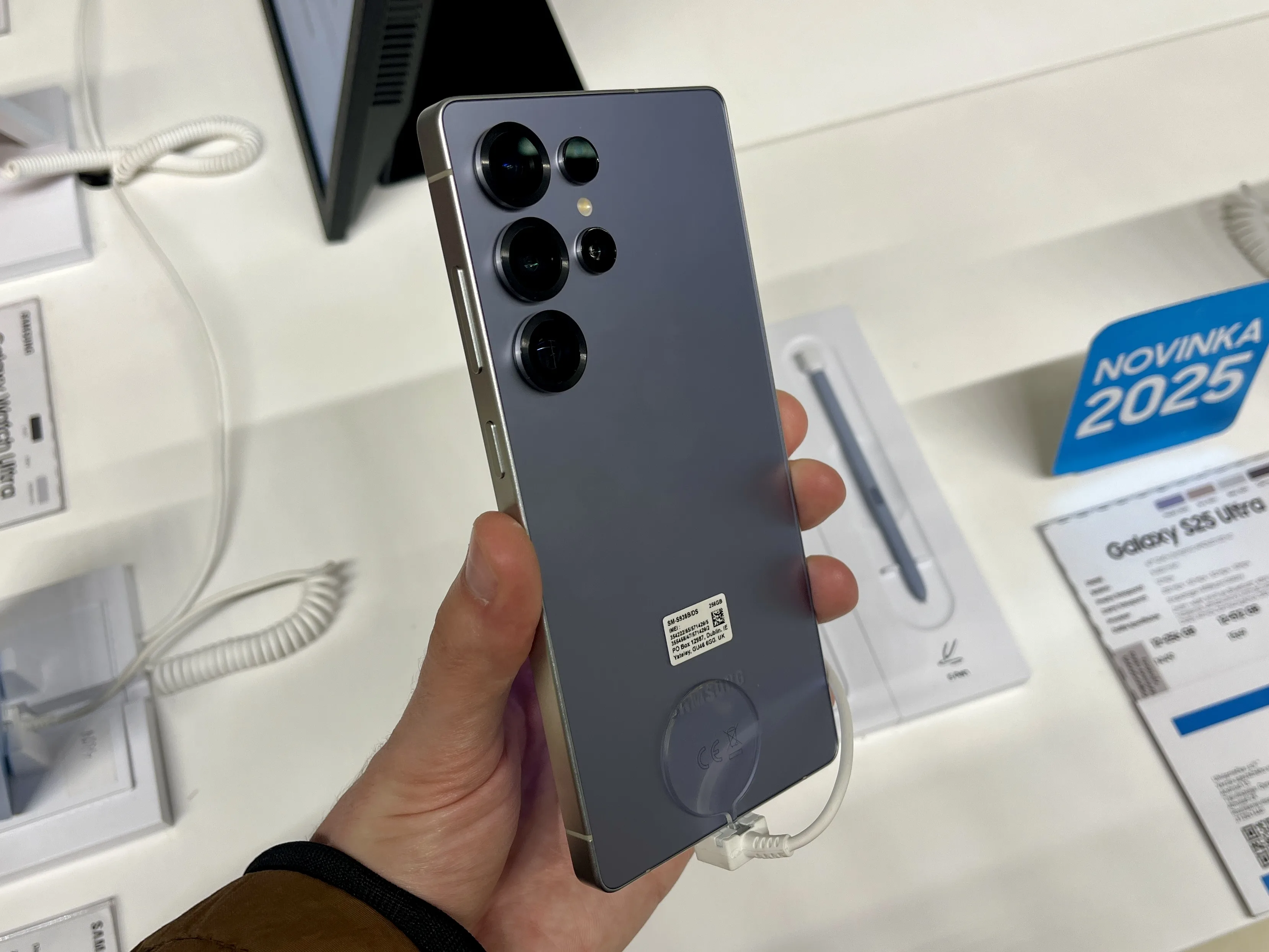
Owner reports and checks: Gadget Hacks, summarizing 9to5Google, Android Authority and Samsung guidance. November patch details: The Tech Hacker. Photo: Jakub CA via Wikimedia Commons, CC BY 4.0.
Price your Galaxy before the next update
You now know more than the rumour threads do. Run the tests tonight. If your Galaxy passes, its price is sitting at the top of its range today. Get your number in about 30 seconds, with no obligation to accept it.